Set up your prop firm account on Mac.
The essentials for trading your prop account on Mac. Find your firm, choose the account Lightwick connects to, Rithmic, TopstepX at Topstep, or Propr’s API, and follow the setup guide.
Get started with
Rithmic on Mac.
From your first login to your first chart. A straightforward guide to credentials, agreements, and connection settings.
Read the setup guide
Find your firm.
23 firm guidesThese firms offer Rithmic accounts, Topstep trades through TopstepX, and Propr connects through its own API. Each guide covers the account to choose, the settings you need, and the details that matter on Mac.
Topstep
Trade a Topstep account from a native Mac app through TopstepX API access, with the setup steps and the account rules.
 Read guide
 Propr
Trade a Propr challenge on Hyperliquid perps from a native Mac app with a Propr API key, with the setup steps and the rules to know.
 Read guide
 Lucid Trading
Connect a Lucid Rithmic account on Mac, with browser agreements and the LucidTrading system.
 Read guide
 Tradeify
Set up Tradeify’s Rithmic account option and bring your trading login to Mac.
 Read guide
 BluSky
Sign BluSky’s agreements online and choose the Rithmic system for your account stage.
 Read guide
 EdgeProp Trading
Choose EdgeProp’s Rithmic account and prepare your Mac connection settings.
 Read guide
 Edmond Trader Funding
Use Edmond’s Rithmic credentials on Mac and understand how dashboard updates work.
 Read guide
 FundedSeat
Prepare your FundedSeat Rithmic login, account settings, and Mac workspace.
 Read guide
 FundYourEdge
Set up a FundYourEdge Rithmic account and keep your simulated account settings clear.
 Read guide
 Halcyon Trader Funding
Choose Halcyon’s Rithmic option and set up the account issued for your trading stage.
 Read guide
 Shark Futures
Connect through Shark’s Tradesea / Rithmic option with the settings for your program.
 Read guide
 Take Profit Trader
Use Rithmic for TPT’s Test and PRO accounts, and understand what changes at PRO+.
 Read guide
 TradeDay
Get started with TradeDay’s Rithmic option using your current account credentials.
 Read guide
 Funded Futures Network
Prepare an FFN Rithmic account for Mac and find the right connection details.
 Read guide
 Legends Trading
Find your Legends Rithmic login and set up the connection for your Mac workspace.
 Read guide
 Apex Trader Funding
Choose Apex’s Rithmic account option and prepare your Mac trading connection.
 Read guide
 Earn2Trade
Choose Earn2Trade’s Rithmic feed and set up your Mac trading workspace.
 Read guide
 Bulenox
Connect a Bulenox Rithmic account on Mac with the Rithmic Paper Trading system and the User ID from your Member’s Area.
 Read guide
 Elite Trader Funding
Set up Elite Trader Funding’s Rithmic option on Mac, including its separate monthly Rithmic connection cost.
 Read guide
 The Trading Pit
Activate a Trading Pit futures account from a Mac with Rithmic’s web agreement and the firm’s own Rithmic system.
 Read guide
 OneUp Trader
Prepare a OneUp Trader Rithmic account for Mac, including the R | Trader Pro step OneUp requires first.
 Read guide
 DayTraders.com
Sign DayTraders.com’s Rithmic agreements online and connect with the firm’s own Rithmic system on Mac.
 Read guide
 Phidias
Sign Phidias’s Rithmic agreements in a Mac browser and connect with the Rithmic Paper Trading system.
 Read guide
One connection. A few essentials.
Choose the right connection
Select your firm’s Rithmic account option, use TopstepX API access at Topstep, or a Propr API key. Firms may also offer Tradovate, CQG, or Volumetrica, which use separate connections.
Have your login ready
Use the trading credentials from your firm and complete its Rithmic agreements, or create a TopstepX or Propr API key. Your trading login can differ from your dashboard login.
Match your account
Use the system and gateway assigned to your account. When you move to a new account stage, use the connection details issued with it.
Make yourself at home on Mac.
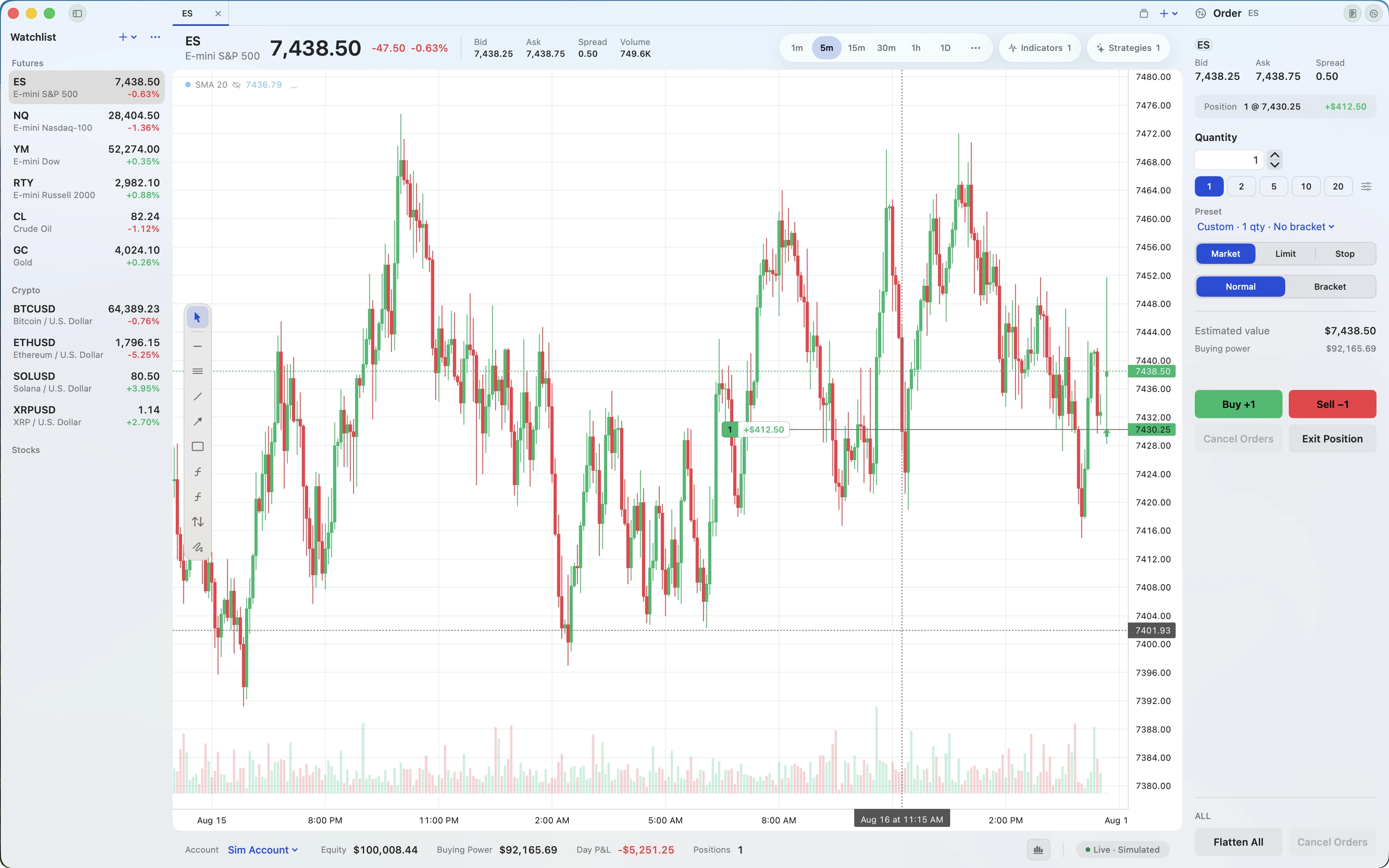
Charts, market depth, orders, and account tools in one native workspace. Lightwick connects to Rithmic, TopstepX, and Propr and is free during beta.
Join the free beta