The short answer
- Native Mac app
- No. NinjaTrader lists its desktop platform for “Windows PC”, with Web for “any PC or Mac browser.”
- In a Mac browser
- NinjaTrader Web, in Chrome, Edge, or Safari, for NinjaTrader Brokerage accounts and Tradovate-based prop accounts.
- Rithmic prop accounts
- Desktop only. NinjaTrader says Rithmic-based prop accounts cannot access the Web or Mobile apps, so on a Mac that means Windows in a virtual machine. Rithmic says NinjaTrader is no longer onboarding new Rithmic connections.
- On Apple silicon
- NinjaTrader Desktop runs in x64 emulation inside the Arm version of Windows 11. NinjaTrader publishes no Mac or virtual-machine guidance.
Start with your account
NinjaTrader’s apps connect to different account types, and that decides your Mac options before anything else. Check whether your firm issued a Rithmic or a Tradovate account; firms usually let you choose once, at purchase.
| Your account | NinjaTrader on a Mac | Other Mac routes |
|---|---|---|
| NinjaTrader Brokerage | NinjaTrader Web in your browser, or Desktop in a virtual machine. | TradingView in a browser or its Mac app, with NinjaTrader selected as the broker. |
| Tradovate-based prop account | NinjaTrader Web, or Desktop in a virtual machine. | Tradovate’s Mac app; TradingView where your firm enables it. See Tradovate on Mac. |
| Rithmic-based prop account | Desktop only, so Windows in a virtual machine. Web and Mobile don’t connect. | Native Rithmic apps: Lightwick, MotiveWave, Bookmap. See Rithmic on Mac. |
| Another broker | Desktop only, with NinjaTrader’s Multiple Broker Add-on at $99 a month. | Depends on the broker’s connection. |
NinjaTrader Web on a Mac
If your account works with it, NinjaTrader Web is the simplest route: nothing to install, and it runs in Safari. NinjaTrader’s own FAQ is candid that “the desktop platform offers the deepest feature set,” so check what you’d be giving up.
In the browser
Charts with trading from the chart, a SuperDOM with ATM strategies, a Market Analyzer, more than 40 built-in indicators, and a selection of community indicators.
Desktop only
NinjaScript, advanced backtesting, third-party add-ons, and multi-monitor support. NinjaTrader also notes that Web has no built-in volume profile; the side-margin volume profile comes with Order Flow+ on Desktop.
Run NinjaTrader Desktop in Parallels
This is the route most Mac traders with Rithmic accounts end up on. It works for many people, but neither NinjaTrader nor Microsoft treats it as a first-class setup, so go in knowing the costs.
- Install the Arm version of Windows 11. On M-series Macs, Microsoft names Parallels Desktop 18, 19, and 20 as authorized solutions. Parallels Desktop Standard costs $99.99 a year; VMware Fusion is free. Boot Camp only exists on Intel Macs.
- Meet NinjaTrader’s requirements inside Windows. NinjaTrader 8 needs Windows 11 or Server 2016 or later, .NET Framework 4.8, and a DirectX 10 graphics card is “highly recommended.” It recommends a quad-core processor and 8 GB of memory, which the virtual machine needs on top of macOS.
- Accept emulation. NinjaTrader 8 is an x64 app, so it runs through Windows’ x64 emulation on Arm. Microsoft notes that emulation covers apps, not drivers, and that the Arm version of Windows has limits with some hardware and apps.
- Plan your displays. Parallels’ full-screen mode uses either one display or all of them, so a three-monitor layout means giving every screen to Windows.
- Test a fast market before trading real money. Watch chart redraws and order acknowledgements around a data release, not on a quiet afternoon, and keep NinjaTrader’s connection settings for your firm’s Rithmic system.
NinjaTrader doesn’t document Mac, virtual-machine, or Windows on Arm setups. If something only fails inside the virtual machine, expect to troubleshoot it yourself.
What changed for prop firm traders
NinjaTrader and Rithmic are drifting apart. Rithmic’s platform directory now says “NinjaTrader is no longer onboarding new Rithmic connections,” though existing NinjaTrader users can keep connecting. Prop firms are moving NinjaTrader access to Tradovate-based connections to match. Earn2Trade now provides NinjaTrader “through the NinjaTrader–Tradovate unified API, not through the legacy Rithmic connection,” and its legacy NinjaTrader–Rithmic accounts ended on June 30, 2026. Earn2Trade still offers Rithmic for other platforms, and a trader with a personal NinjaTrader license can still connect it to Rithmic.
In October 2025, NinjaTrader’s parent launched NinjaTrader Prop and Tradovate Prop, prop-firm editions of both platforms that share one login. For a Mac trader this cuts both ways: a Tradovate-based prop account opens NinjaTrader Web and Tradovate’s Mac app, while a Rithmic account keeps the choice of native Rithmic apps.
Check your own firm’s current platform list before buying an account. Our prop firm guides link to each firm’s official instructions.
Where Lightwick fits
Lightwick is for the trader in the third row of the table: a Rithmic account, a Mac, and no wish to run Windows. It connects to Rithmic directly from a native app, with charts, a DOM, footprint charts, bracket orders held at Rithmic, and keyboard shortcuts for buying, selling, and flattening. It also connects Topstep accounts through TopstepX API access.
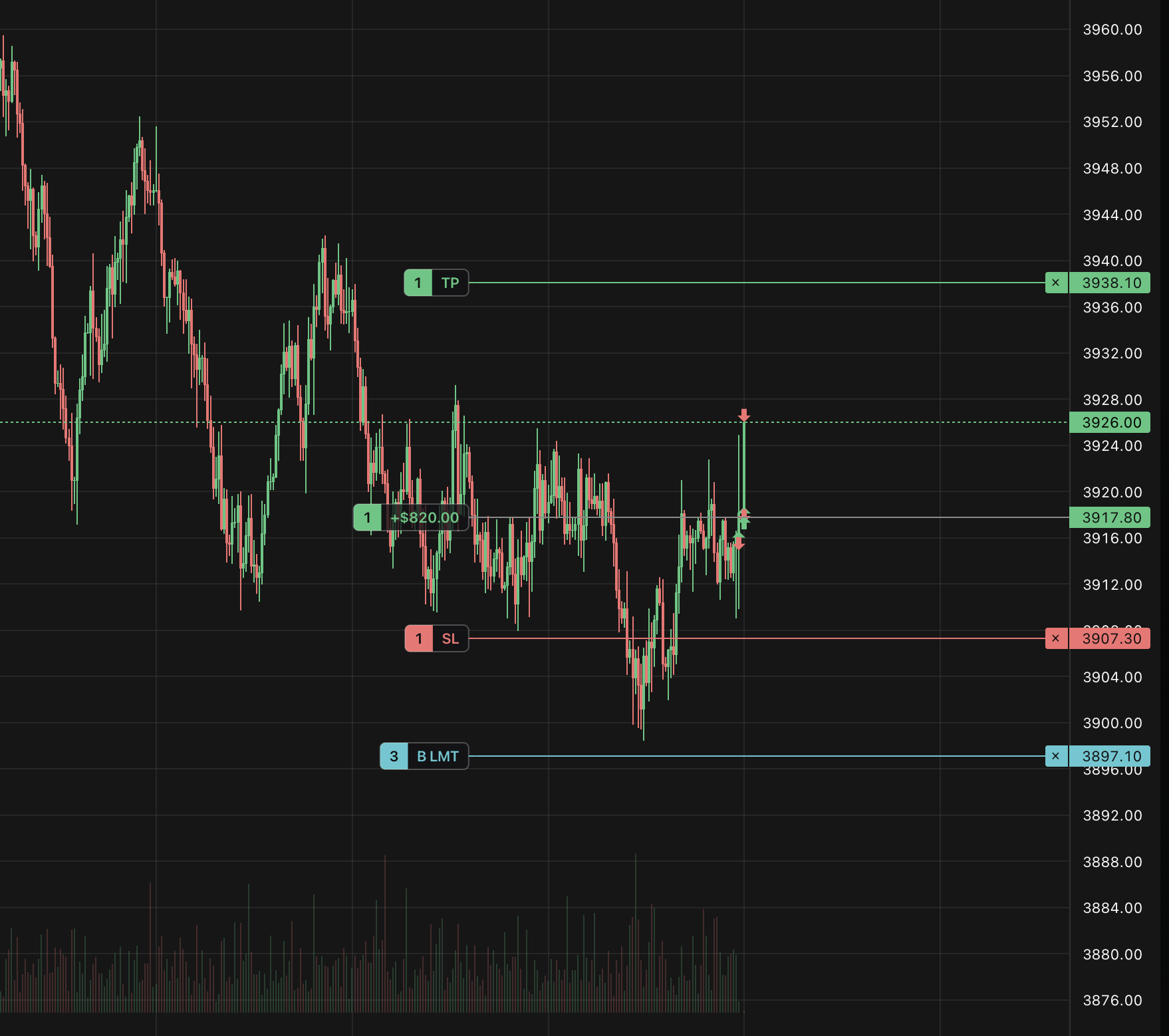
It is not a NinjaTrader replacement for everyone. Lightwick doesn’t run NinjaScript or third-party add-ons, and its order presets set stop and target distances but don’t trail or move to breakeven like an ATM strategy. Charts use time-based bars, with no tick, range, or Renko bars, and there is no market replay. If your trading depends on those, keep NinjaTrader in Parallels. If it doesn’t, Lightwick is free to try during beta.
Common questions
Can I use NinjaTrader Web with my Apex or other Rithmic prop account?
No. NinjaTrader’s prop firm connection guide says Rithmic-based prop firm accounts cannot access NinjaTrader Web or Mobile; only Tradovate-based prop firm accounts are supported there. Rithmic-based accounts can be used only with NinjaTrader Desktop, which needs Windows.
Does NinjaTrader run on Apple silicon Macs?
Not natively. NinjaTrader 8 requires Windows 11 or Windows Server 2016 or later and .NET Framework 4.8. On an M-series Mac, that means the Arm version of Windows 11 in a virtual machine such as Parallels Desktop, where Microsoft says x64 apps run in emulation. NinjaTrader does not publish guidance for this setup.
Can I use NinjaScript indicators in NinjaTrader Web?
NinjaTrader lists NinjaScript, advanced backtesting, and its ecosystem of third-party add-ons as advantages of the desktop platform. NinjaTrader Web has more than 40 built-in indicators and a selection of community indicators, but no documented way to load NinjaScript.
Can I bring my NinjaScript indicators to Lightwick?
No. NinjaScript is C# that runs inside NinjaTrader. Lightwick has its own scripting language, Lightwick Script, which runs on completed bars and produces signals; it cannot place orders. Indicators would need to be rewritten.
Further reading
- NinjaTrader: Desktop, Web, and Mobile platforms
- NinjaTrader: Web platform and FAQ
- NinjaTrader Support: Web prop firm connection guide
- NinjaTrader Support: indicators on NinjaTrader Web
- NinjaTrader 8: minimum system requirements
- NinjaTrader: pricing
- NinjaTrader Support: Multiple Broker Add-on
- Rithmic: platform directory and NinjaTrader notice
- Earn2Trade: NinjaTrader access update
- Microsoft: Windows 11 on Mac computers with Apple M-series chips
- Parallels: using multiple displays
Try Lightwick on your Mac.
Try Lightwick free during beta. No credit card required.
Join the free beta